The steps are the same on desktop and mobile. Each step below shows both screens.
Before you start, have ready
Photo ID showing your name
A device with camera and microphone
A stable internet connection
01
Open the platform
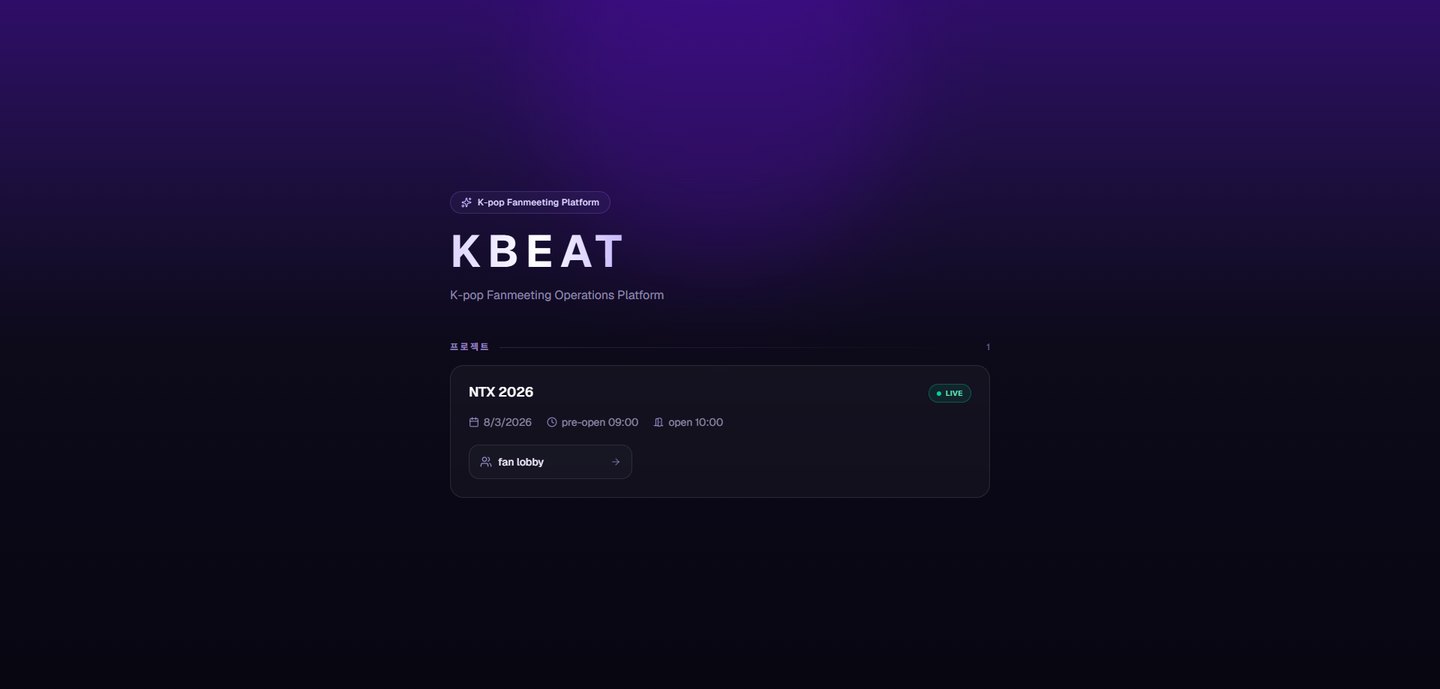
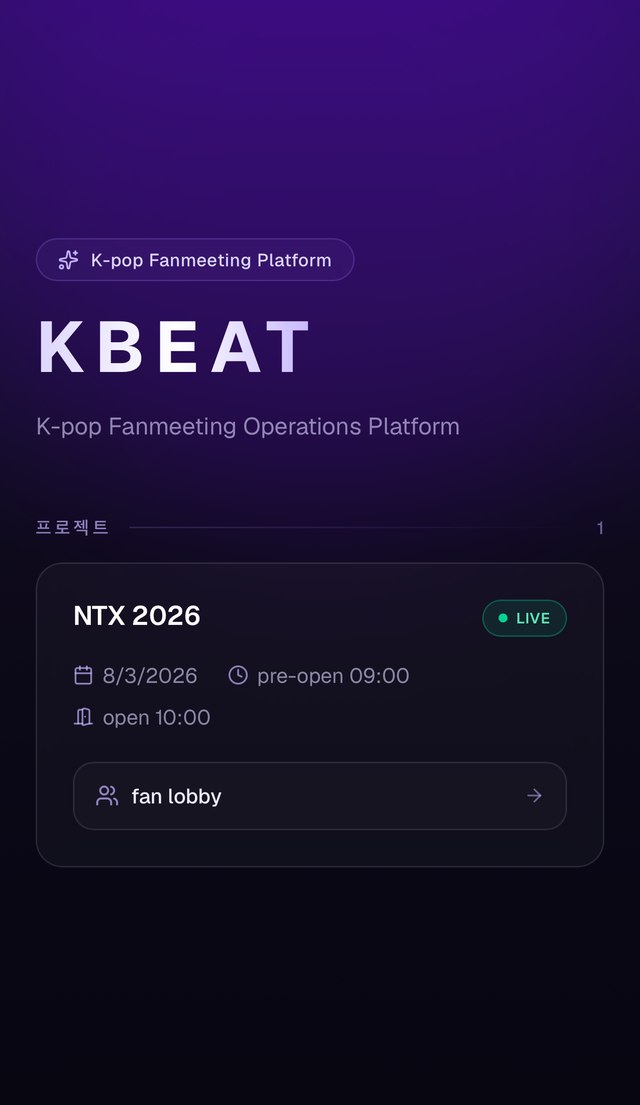
Go to kmeet.app and tap the fan lobby button for the event to enter.
DesktopIn the project list, tap fan lobby.MobileIn the project list, tap fan lobby.
02
Enter your email
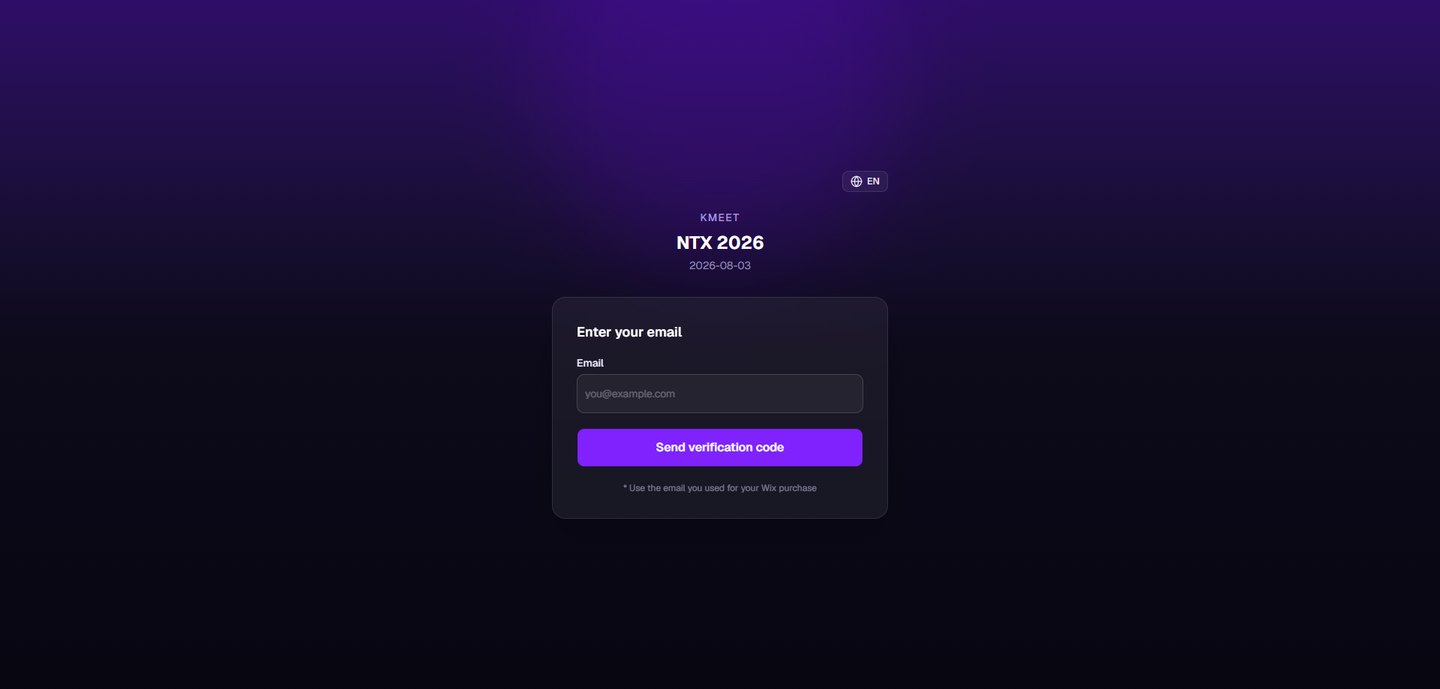
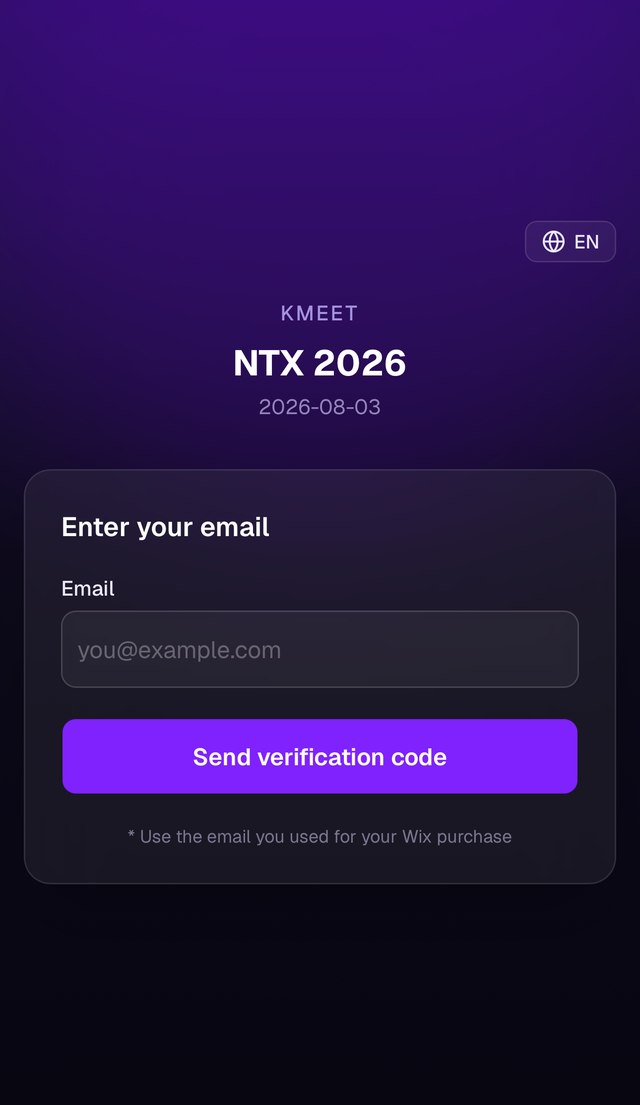
Type the same email address you used at purchase and tap send verification code. Access is only possible with that email address.
DesktopType the exact email address used at purchase.MobileType the exact email address used at purchase.
03
Enter the code
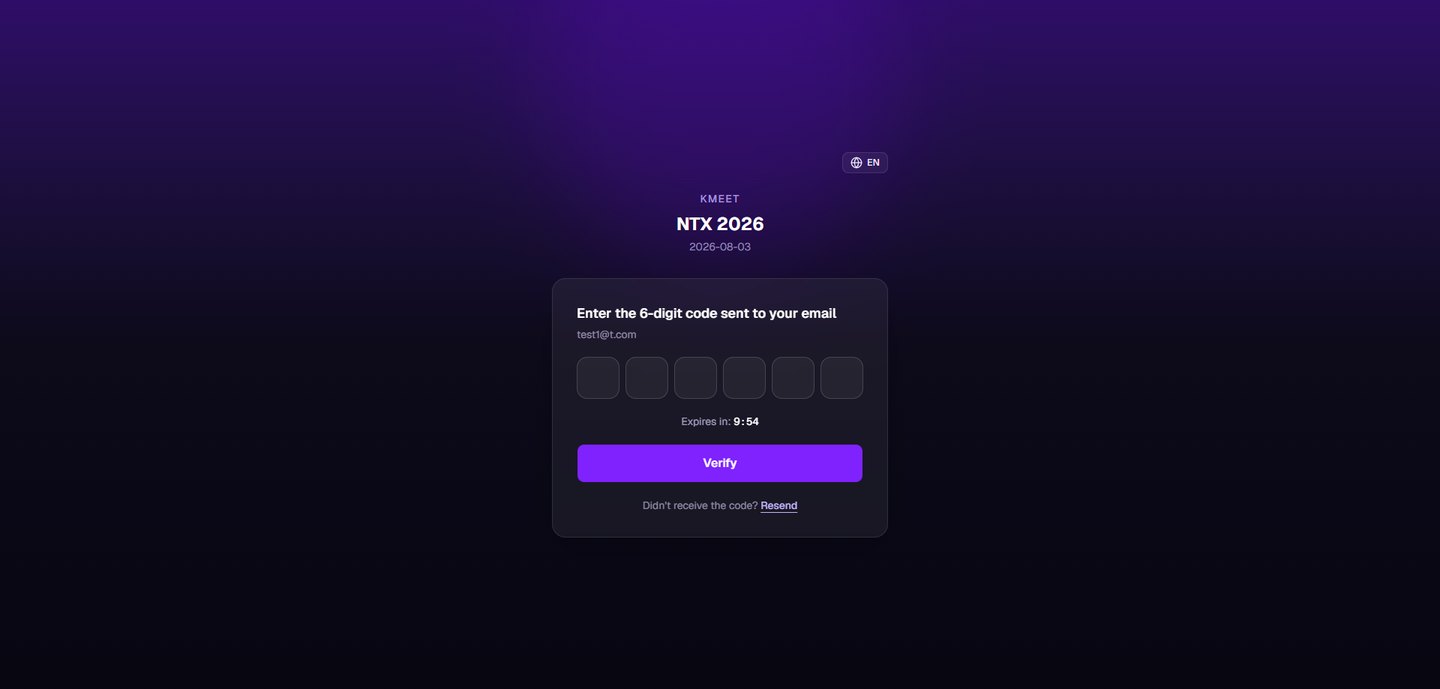
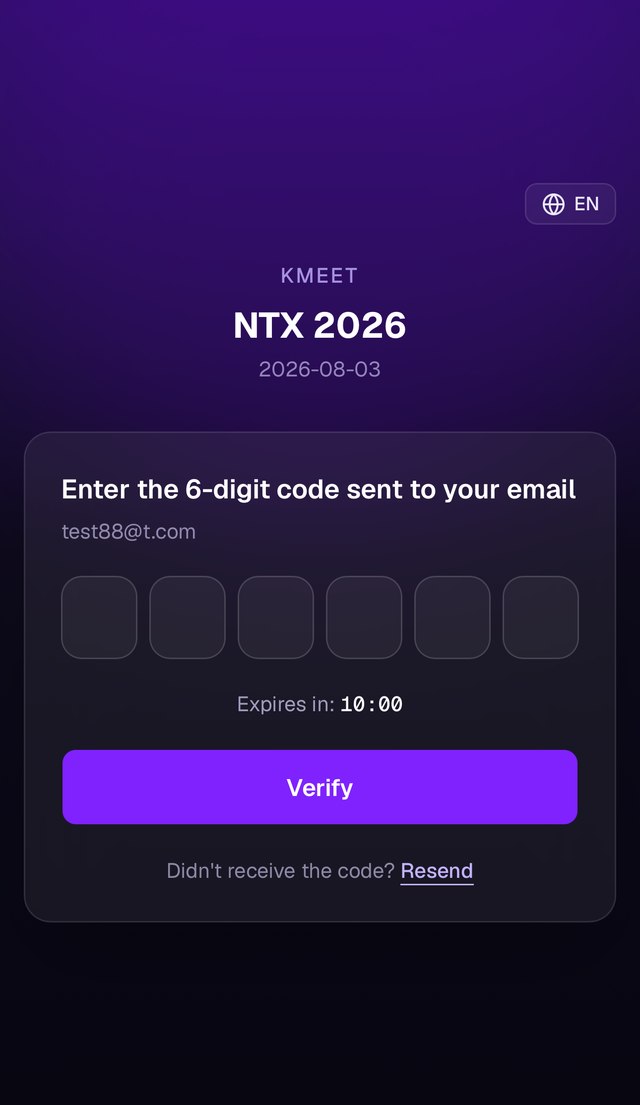
Type the 6-digit code sent to your email to enter. If you can't find the message, check your spam and promotions folders.
DesktopThe code stays valid for 10 minutes after it is sent.MobileThe code stays valid for 10 minutes after it is sent.
04
Identity verification
on screenPending
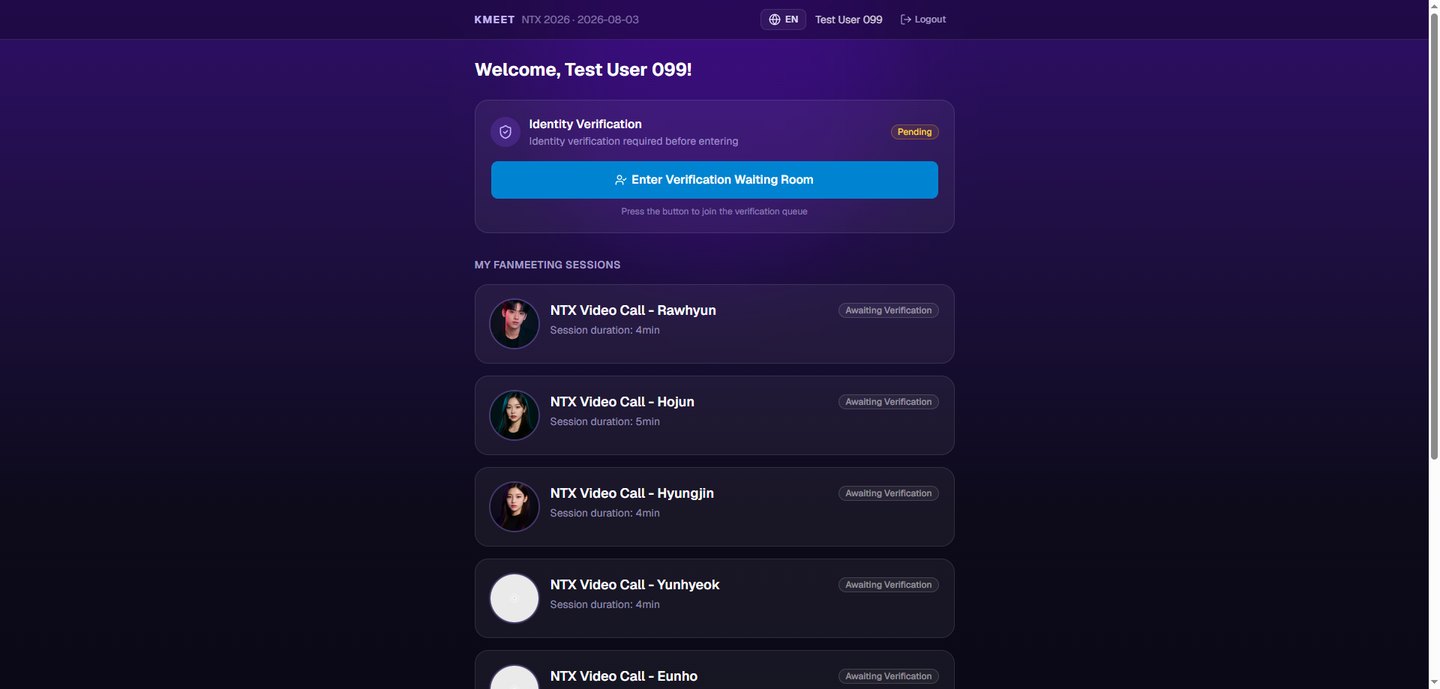
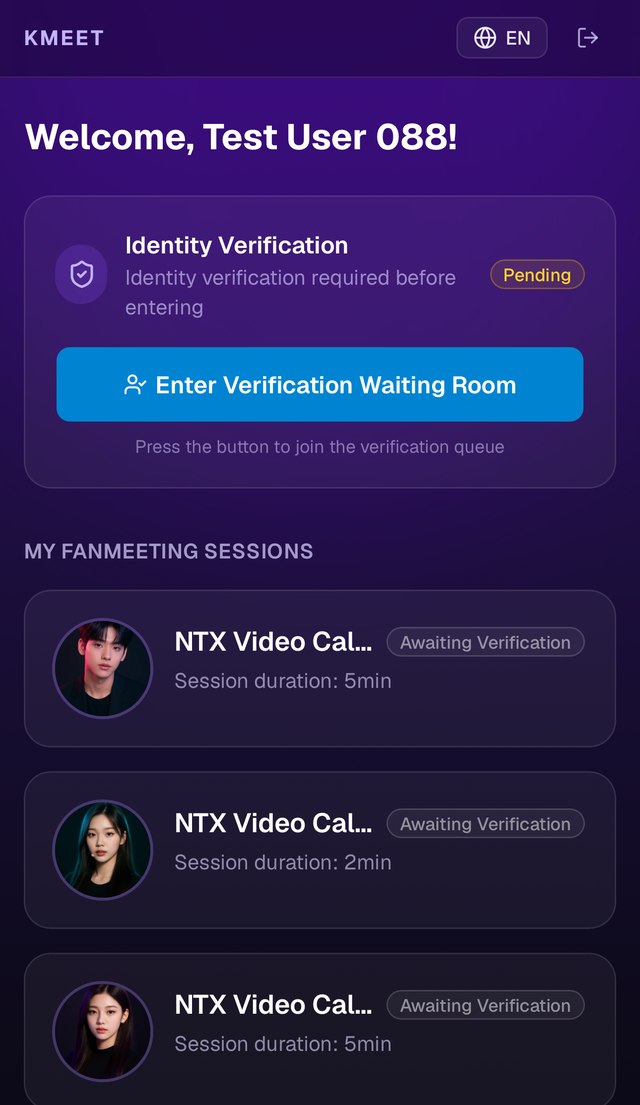
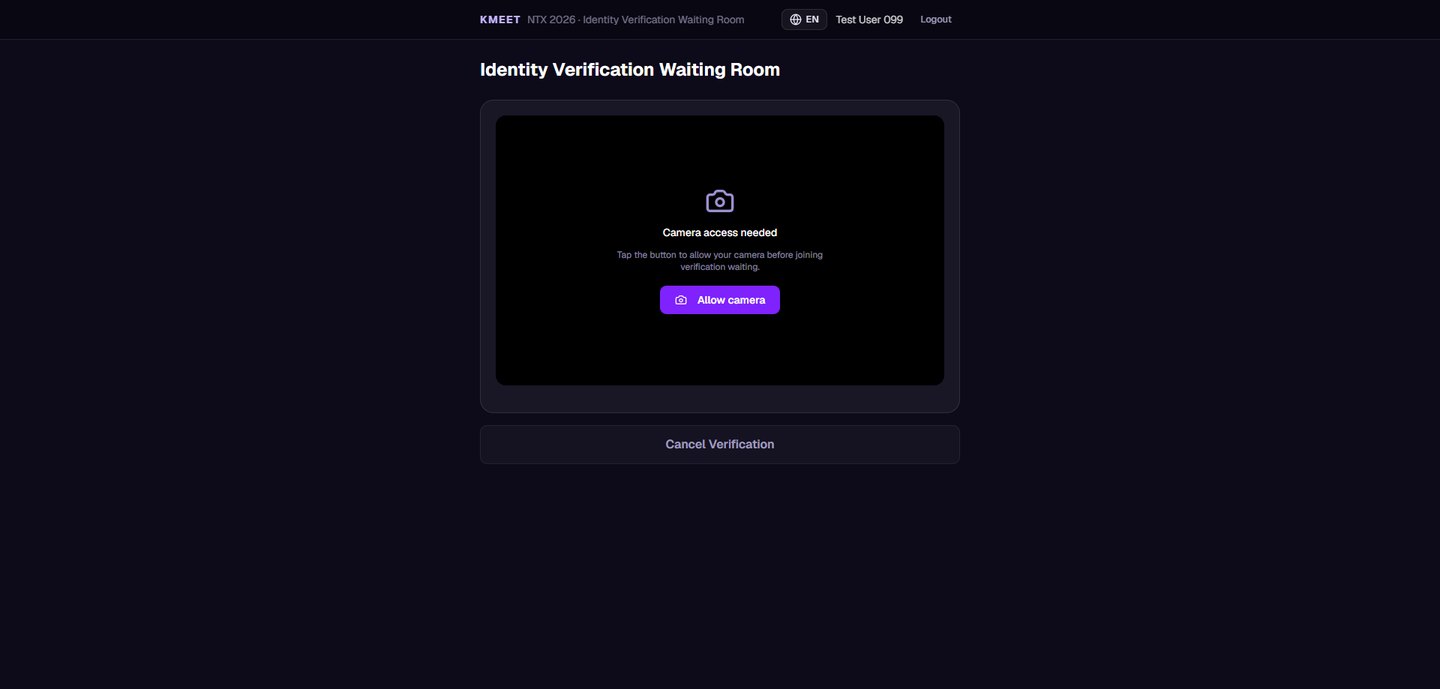
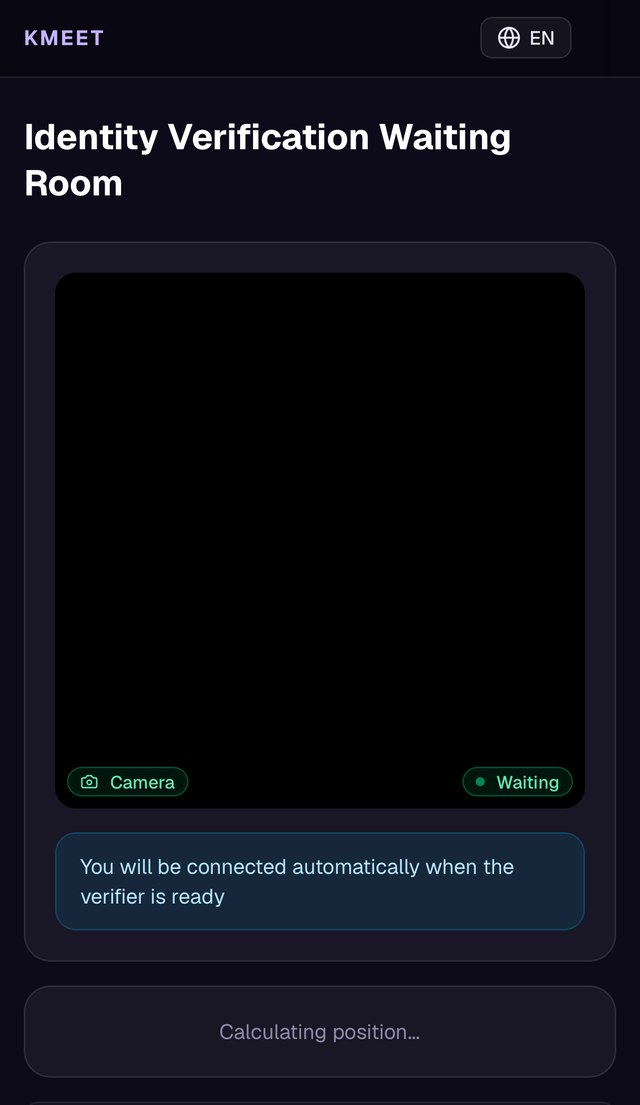
Once inside, you can enter the identity verification room. Allow camera access and wait: verification runs in order of arrival. The screen shows the name registered at purchase, and verification is complete when the name on your ID matches it.
DesktopTap the button to enter the verification room.MobileTap the button to enter the verification room.
DesktopAllow camera access and wait — you are connected automatically when your turn comes.MobileAllow camera access and wait — you are connected automatically when your turn comes.
05
Enter the video call room
on screenVerified · Ready to Enter
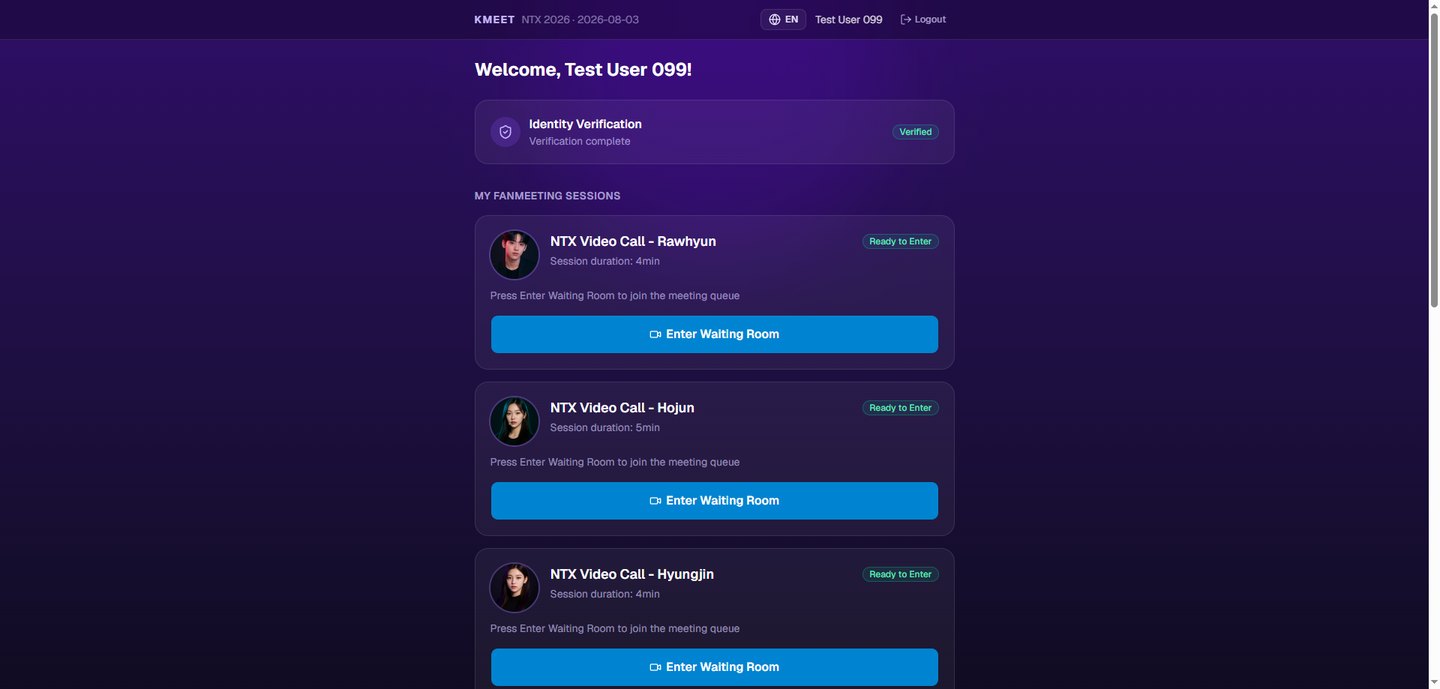
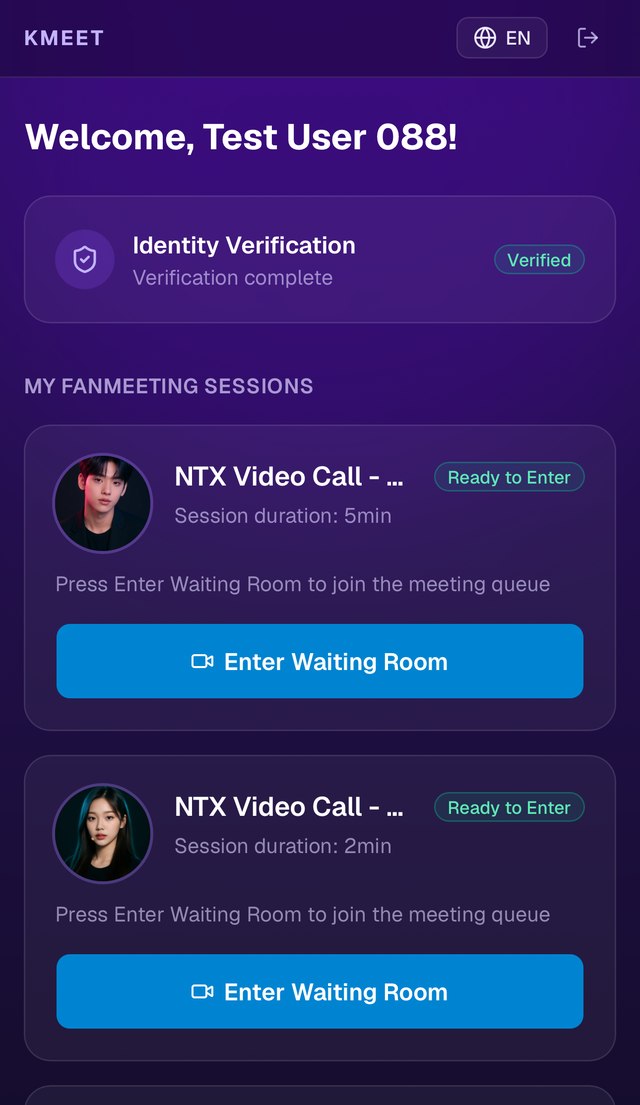
After verification, the entry button for the artist you purchased becomes active. Tap it to enter the waiting room.
DesktopThere is one entry button per artist you purchased.MobileThere is one entry button per artist you purchased.
06
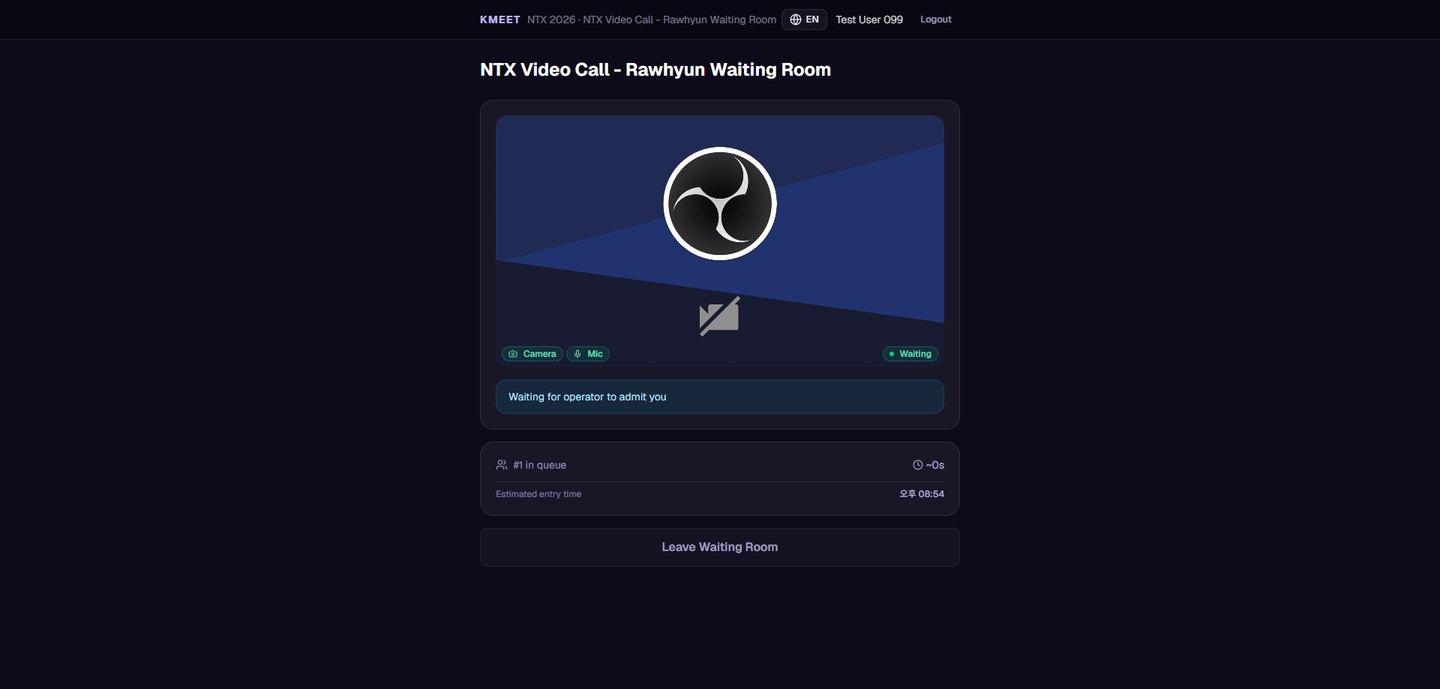
Wait in the waiting room
on screenWaiting
In the waiting room, video calls run in order of arrival. Your place in the queue and estimated entry time are shown on screen, so keep the page open.
DesktopYour queue position and estimated entry time are shown.
07
Your video call
When your turn comes you are admitted automatically. Your time is counted based on the units you purchased, and the call ends automatically when the time runs out.
Please note
Without the email address and name used at purchase, you cannot log in or pass verification.
From identity verification through the video call, every stage runs in order of arrival.
If you don't log in before the scheduled end time of the event, you are marked absent and no refund is issued.
Recording, screenshots, screen sharing, and live streaming are prohibited, and the call will be ended immediately.